






 36% OFF
Your cart is empty
Explore our products
THE HISTRIPS PLAYBOOK
Know your products. Build your routine. Get more from every day.
PURPOSE IN EVERY PRODUCT
Small habits. Higher standards.
We’re here to bring recovery and performance to the next level. Thoughtfully designed products. Simple everyday routines. From your first morning alarm to the moment you switch off, get to know the tools that help you make each day your own.
A LITTLE KNOW-HOW. A BETTER ROUTINE.
Find your product below for setup, everyday use and care. Your next good habit starts with the basics.
Set the time. Make mornings yours.
Set the time
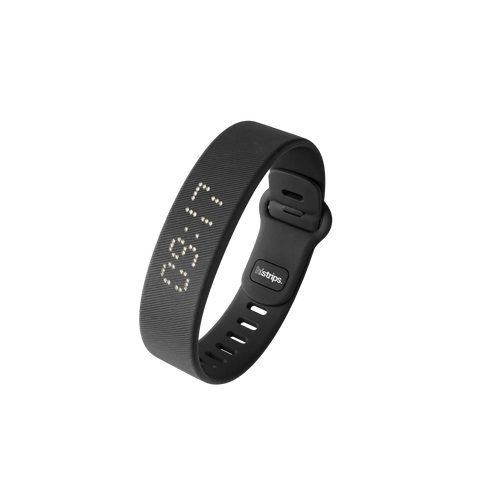
Turn on your device by pressing the button once. You will now see the time to be adjusted. Press and hold the button for 3 seconds to start the adjustment process, first the “hour” indicator will begin to flash. Use the button to set the hour, then press the button again for 3 seconds to switch to the “minutes.” Repeat this process to set the minutes, month, day and year. You can also choose between a 12-hour or 24-hour clock format.
After completing all settings, do not press any more buttons for 8 seconds; the device will save the data and return to standby mode. Thus, your device is fully set up and ready to use!
Set your alarms
Note: Once you set the alarm clock, it will go off at the same time every day until you turn it off or adjust it yourself. This is useful if you have a fixed alarm time; you then only have to set the alarm once.
To set additional alarms, press the button three, or four times to access the other alarm groups and follow the same procedure.
Check your battery
To check the battery level of your device, press and hold the button for 3 seconds while the device is in idle mode. It will then display the percentage. For more information on charging watch the video above.
All colors. One simple routine.
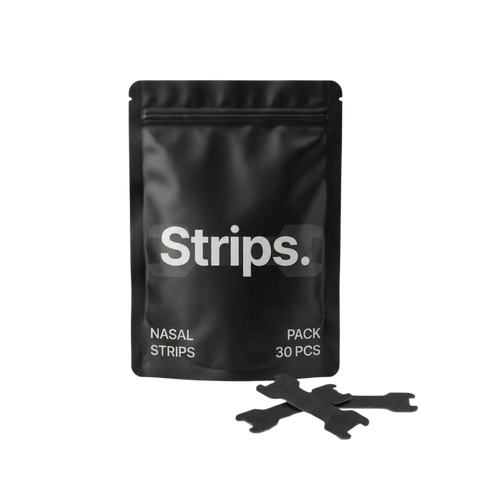
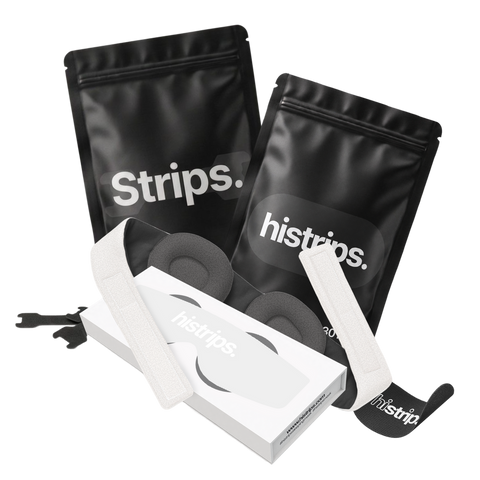
HiStrips nasal strips sit across the outside of your nose. Follow the placement illustration on your pack for your strip size.
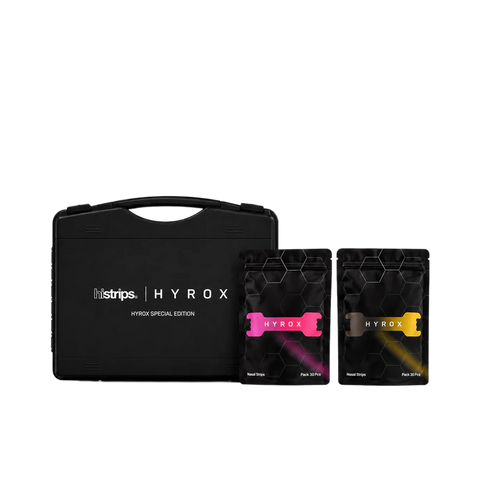
The same guide covers our classic, sleep and limited-edition color ranges. Check your pack for wear and removal instructions.
Your guide to the Pro+ model.
Use the setup instructions included with your Pro+ to set the time and your alarms. The original Onyx guide above is for the standard model.
Before your first night, check the battery and confirm that your chosen alarm is enabled. For help with your Pro+ controls, contact our team with your model and a photo of the display.
Make room for recovery.
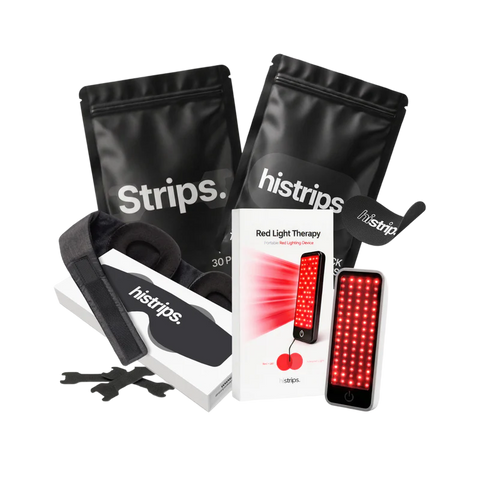
Position your panel according to the distance guidance supplied with it. Use the built-in 15-minute timer for a consistent session.
Follow the included manual for setup, eye protection and suitability before your first use. Keep that guide with your panel for reference.
Find your fit. Switch off.
Application and care.
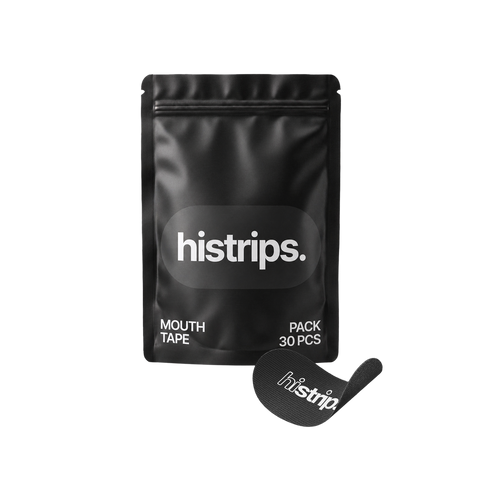
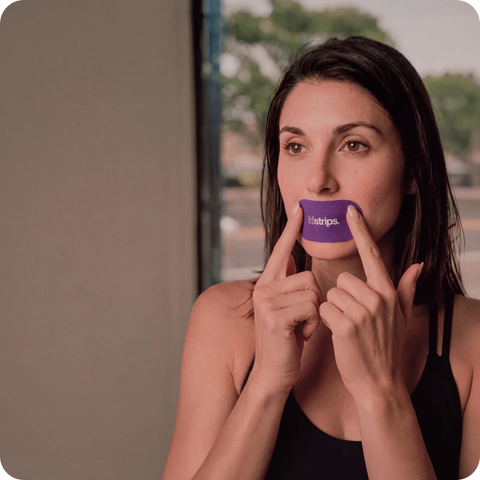
Read the application and safety directions on your pack before use. Cotton and Lavender Mouth Tape come as single-use pieces; use a fresh piece each time.
Check the pack guidance for suitability and removal. If you are unsure whether mouth tape is appropriate for you, ask a qualified healthcare professional before using it. Our support team can help you find the instructions for your exact product.
Mix. Sip. Go.
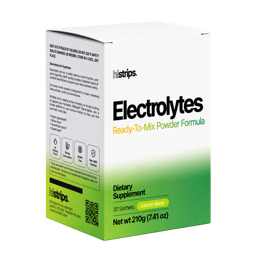
Each box contains 30 sachets. Follow your pack’s serving guidance.
Fit and storage.
Follow the fitting directions included with your earplugs and choose a comfortable fit. Keep them in their reusable carry case between uses.
Check the supplied care instructions before cleaning. If you need help getting the right fit, our team can help.
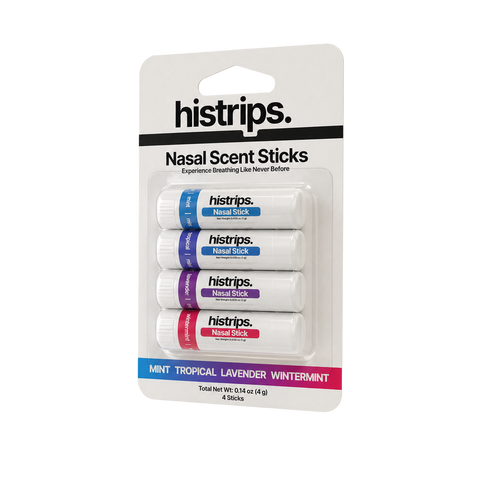
Get to know your stick.
Use the instructions printed on the Nasal Sticks packaging for application and storage. Keep the cap closed between uses.
Need the guide for your product? Send our team a photo of your pack and we’ll help you with the correct directions.
Prep first. Then apply.
Use an individually wrapped wipe to remove oils, sweat and residue from the area where your nasal strip will sit. Let the skin dry before applying your strip.
Follow the directions on the sachet. Keep a few with your strips so they’re ready at home or on the go.
Keep your essentials together.
Magnetic charger: Use the charger designed for your Onyx and follow the charging instructions supplied with your model. The Onyx video above shows the standard model’s charging setup.
Travel case: Keep your Onyx and its charging accessories together when traveling. Check that the alarm is set for your local time after arriving.
Your daily hydration companion.
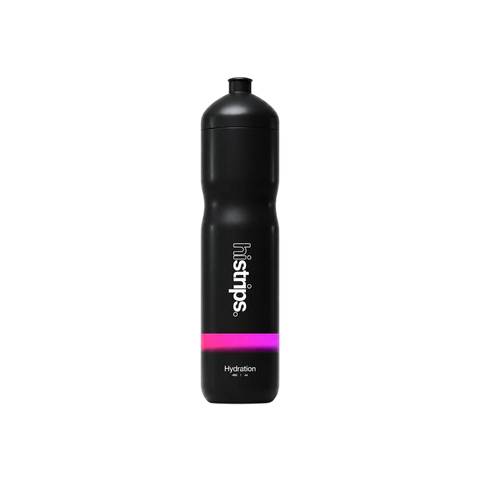
The Sport 400 is a 400 ml bottle. Follow the care instructions supplied with it for cleaning and storage.
Using it with HiStrips Electrolytes? Follow the sachet’s water-volume guidance when mixing your drink.


Need a hand with setup or finding your next essential? Talk to the HiStrips team.


